HomeAboutAppFeaturesFAQLegal
PoliciesπŸ” Privacy PolicyπŸ“œ Terms & Conditionsβœ… Data Consent PolicyLearner Verification ConsentGuardian ConsentInstructor Verification ConsentπŸ’³ Refund PolicyπŸͺ Cookie Policy🀝 Community GuidelinesπŸ›‘οΈ Instructor Verification🦺 Safety PolicyπŸ—‘οΈ Account Deletion
πŸ’¬ Contact
Instructor Sign InApply as Instructor

Your driving journey,
guided from G1 to G.

Drive Tutor connects Ontario learners with verified driving instructors for G1, G2, and G lessons. Learners book everything in the app β€” free. Instructors apply online and run their practice from one place.

Ontario G1 Β· G2 Β· G Β Β·Β  Verified instructors Β Β·Β  Free for learners

βœ“ Verified Ontario instructors
βœ“ Free to download for learners
βœ“ G1, G2 & G lessons
βœ“ Instructors keep 100% of earnings
βœ“ Ontario-based platform

Are you learning, or teaching?

Drive Tutor works differently for each side. Pick your path below.

For Learners

Find your instructor.
Book lessons in minutes.

Download the Drive Tutor app to browse verified Ontario driving instructors near you. Book G1, G2, or G lessons, get confirmations, and track your full progress β€” all from your phone.

  • βœ“ Free for learners, no website account needed
  • βœ“ Verified instructors only
  • βœ“ G1, G2, and G lessons available
For Instructors

Keep 100% of what
you earn. No commission.

Apply on this website, verify your identity in the app, then return here to activate your account and choose your usage pass. After that, manage bookings, schedules, and learner notes from the app.

  • βœ“ Zero commission on lessons
  • βœ“ Manage lesson requests and schedules
  • βœ“ Full learner and booking management

Every instructor is verified before day one.

Your safety is our priority. Every Drive Tutor instructor completes identity and credential verification before they appear on the platform or can accept any lesson requests from learners.

How we verify instructors β†’Safety info for learners & guardians β†’
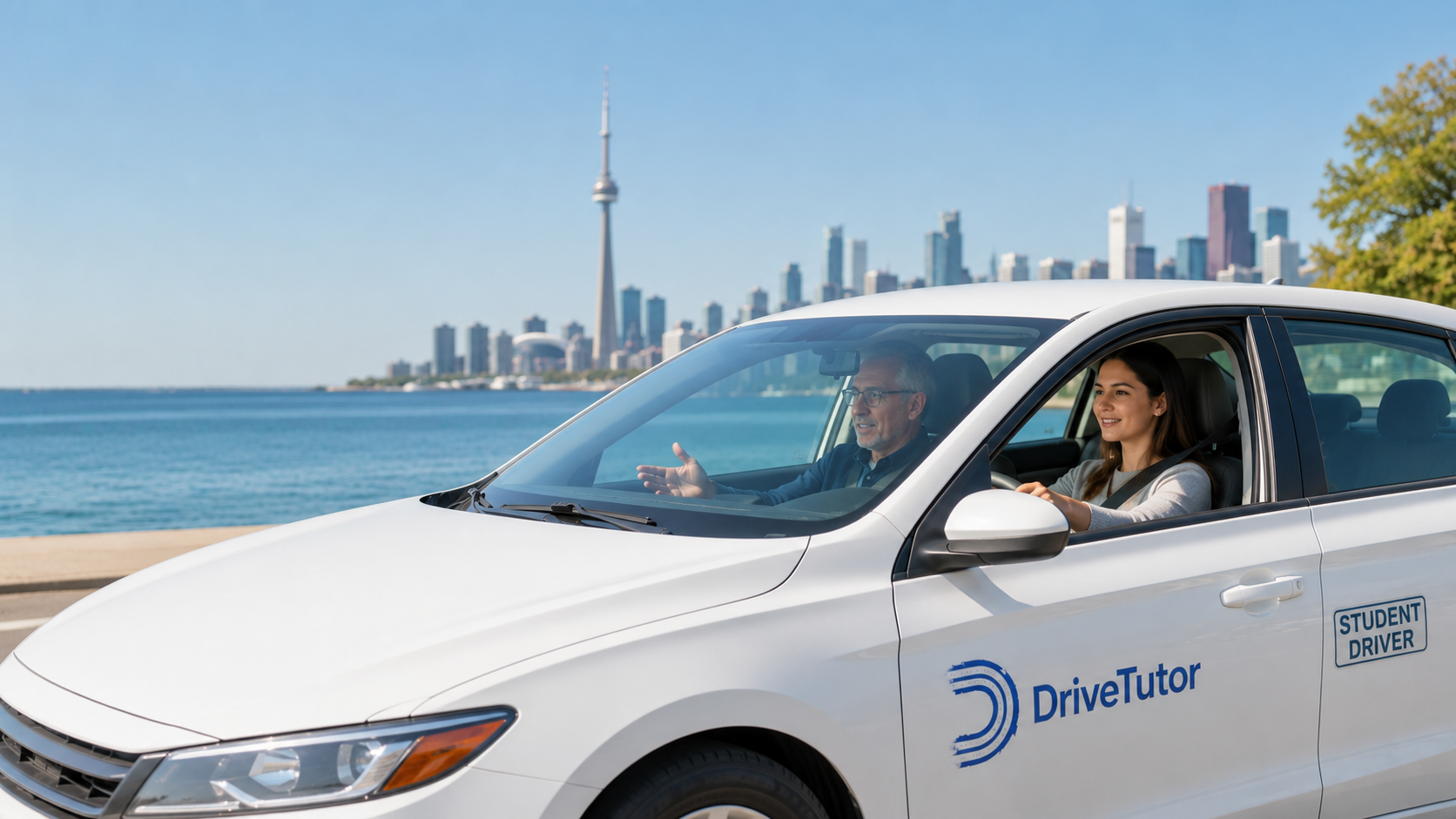
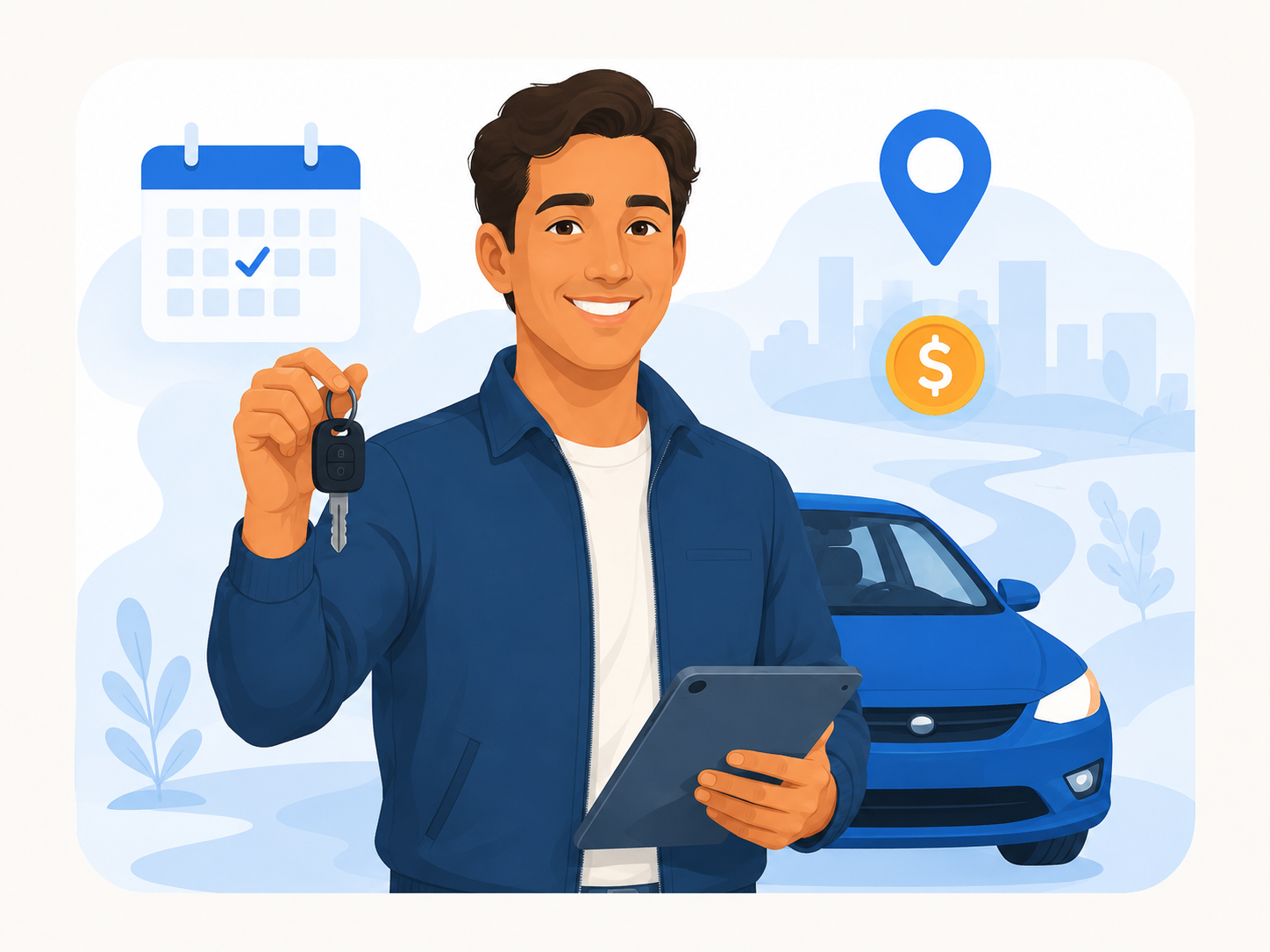
Drive Tutor instructor and learners
Verified

How it works.

Whether you're learning or teaching, getting started takes just a few steps.

For Learners β€” entirely in the app

Download. Browse. Book. Track.

  1. 1
    Get app access
    Everything for learners is inside the app β€” no website account needed.
  2. 2
    Create your learner profile
    Set up your profile and complete verification in minutes, entirely inside the app.
  3. 3
    Browse verified instructors
    Find Ontario instructors by location, lesson type, profile details, and teaching fit. Every instructor is verified before accepting requests.
  4. 4
    Book lessons, track progress
    Request lessons, get confirmations, and follow your G1 to G journey β€” all from your phone.
For Instructors β€” Website ↔ App

Apply. Verify. Activate. Teach.

  1. 1
    Apply on the website
    Fill in your instructor details here and submit your application. It takes a few minutes.
  2. 2
    Verify your identity in the app
    Download the app and complete document and ID verification. We review and get back to you.
  3. 3
    Activate your account here
    Once approved, return to the website to choose your usage pass and complete your payment.
  4. 4
    Teach from the app
    Accept bookings, manage your schedule, add notes, and track learner progress β€” all in the app.

Search by Ontario area.

Preview verified driving instructors by city, then download the app when you are ready to request a lesson.

Browse All Areas
For Learners

Download Drive Tutor.

Find a verified Ontario driving instructor, book G1, G2, or G lessons, and track your progress β€” straight from your phone.

Free for learners Β· iPhone & Android Β· Ontario, Canada

For Instructors

Teach on your terms.
Keep everything you earn.

Drive Tutor takes zero commission on your lessons. Apply here, verify in the app, activate on the website, then run your entire practice from the app. Learners share availability when they request lessons, and you manage confirmed bookings from the app.

  • βœ“ Zero commission β€” you keep 100%
  • βœ“ Instructors review learner-provided availability before confirming lesson requests
  • βœ“ Application starts on this website
  • βœ“ Manage everything from the app after activation
Drive Tutor instructor teaching a learner in a carStart Your ApplicationInstructor Sign In

New instructors apply here. Approved instructors can sign in to activate.

Questions learners, instructors, and guardians ask.

Clear answers about what Drive Tutor does, how the app works, and how lessons are requested and managed.

Everyone
Is Drive Tutor a driving school?
No. Drive Tutor is not a driving school and does not sell Ministry-approved classroom or BDE courses. Drive Tutor is a mobile-first platform that helps learners discover verified independent driving instructors, request in-car lessons, manage bookings, and track progress.
Learners
How do learners use Drive Tutor?
Learners download the app, create a profile, share their licence details, pickup area, learning goals, and availability, then request lessons with verified Ontario instructors. Lesson confirmations, progress notes, and booking details stay inside the app.
Learners
Can learners choose an instructor?
Yes. Learners can preview instructor profiles, service areas, lesson types, vehicle details, and teaching fit before sending a request. The instructor reviews the learner request and learner-provided availability before confirming lesson scheduling.
Instructors
How do instructors join Drive Tutor?
Instructors apply on the website, complete identity and credential verification in the app, wait for Drive Tutor review, then activate their account on the website. After activation, instructors use the app to manage requests, schedules, notes, and learner progress.
Instructors
Does Drive Tutor take commission from instructors?
No. Drive Tutor does not take commission from instructor lesson earnings. Instructors keep 100% of their lesson earnings and use a pass-based access model to use instructor tools on the platform.
Guardians
Can a parent or guardian help a learner use Drive Tutor?
Yes. Drive Tutor is built with learners and guardians in mind. Guardians can help learners understand instructor profiles, review lesson details, discuss safety expectations, and contact Drive Tutor support with questions.
Safety
How does Drive Tutor verify instructors?
Drive Tutor reviews instructor identity, Ontario driving instructor licence information, driving record, insurance, and related documents before an instructor can appear to learners or accept lesson requests on the platform.
Bookings
Do learners directly book any time on an instructor calendar?
No. Learners provide their availability when they request lessons. Instructors review the request, accept the learner first, and schedule lessons into their calendar based on the learner-provided availability and instructor availability.
Support
What should users do if they need help?
Learners, instructors, and guardians can contact Drive Tutor at info@drivetutor.ca for account, safety, booking, or verification questions.